
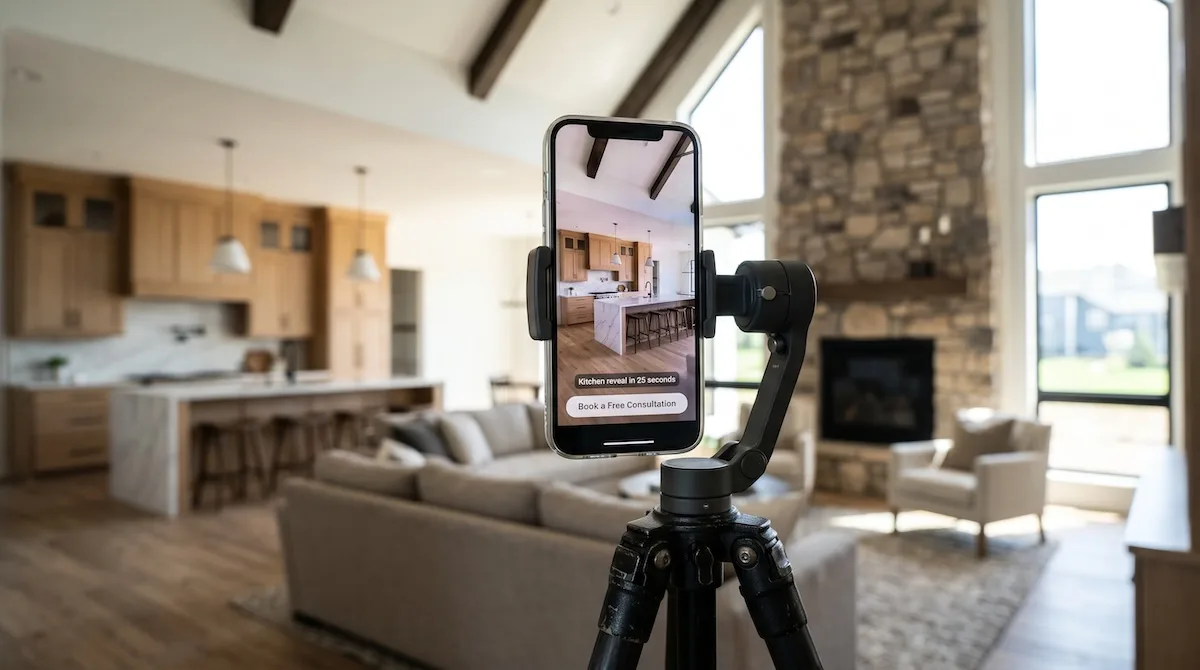

Homeowners planning a new build or a major renovation spend hours scrolling vertical video. They watch framing timelapses and walkthroughs of finished homes. YouTube Shorts is one of the main places that viewing happens, and most builders are not advertising there yet.
YouTube Shorts ads let you place your own vertical clips between the Shorts people are already watching. This guide explains which Google Ads campaign type to use and what to film so views turn into consultation requests.
What Are YouTube Shorts Ads?
YouTube Shorts ads are vertical video ads that appear in the Shorts feed, between organic Shorts. Viewers swipe through them the same way they swipe through regular content. Your ad plays full screen on a phone, with a call-to-action button that can send people to your website or lead form.
There is no separate “Shorts ads” product to buy. You run them through Google Ads using existing campaign types. According to Google’s own guidance, Demand Gen, Video view, Video reach, Performance Max, and App campaigns can all serve ads on Shorts. For a builder trying to generate leads, Demand Gen is usually the right choice.
Why Shorts Ads Make Sense for Builders
Your Work Is Naturally Visual
A gutted kitchen turning into something beautiful or a crew raising a wall are strong visual moments. Builders have content that most service businesses would love to have. Short vertical clips show quality in a way a static image cannot.
You Reach Homeowners Before They Search
Google Search Ads catch people who are already typing “custom home builder near me.” Short ads reach people earlier, while they are still collecting ideas. A homeowner who watches your 20-second kitchen reveal today may search your company name three months from now when they are ready.
Competition Is Still Light
Many builders run Google Search and Facebook ads, but few run vertical video on YouTube. Less competition in your local area usually means more attention for the same budget.
Your Footage Works on More Than One Platform
The same vertical clips you shoot for Shorts can run as Instagram Reels and Facebook Reels ads. One filming day can supply ads for several platforms.
Which Campaign Type Should Builders Use?
Demand Gen Campaigns
Demand Gen is Google’s campaign type built for engaging people while they browse. It serves ads across YouTube (including Shorts), Discover, Gmail, and the Google Display Network. It also replaced the older Video action campaigns, which Google upgraded to Demand Gen by April 2026.
For builders, Demand Gen has two advantages. It is designed for conversions like form fills, and it lets you choose channel controls. Google’s help documentation notes that if you have a vertical video, you can choose to show it on YouTube Shorts only. That means you can test Shorts on its own before mixing it with other placements.
Video View and Video Reach Campaigns
Video view campaigns aim to get your video watched, and Video reach campaigns aim to show it to as many unique people as possible. These are better for brand awareness than lead generation. A builder entering a new market might use them to build recognition, but most builders should start with Demand Gen.
What to Film for Shorts Ads That Generate Leads
The Hook Matters Most
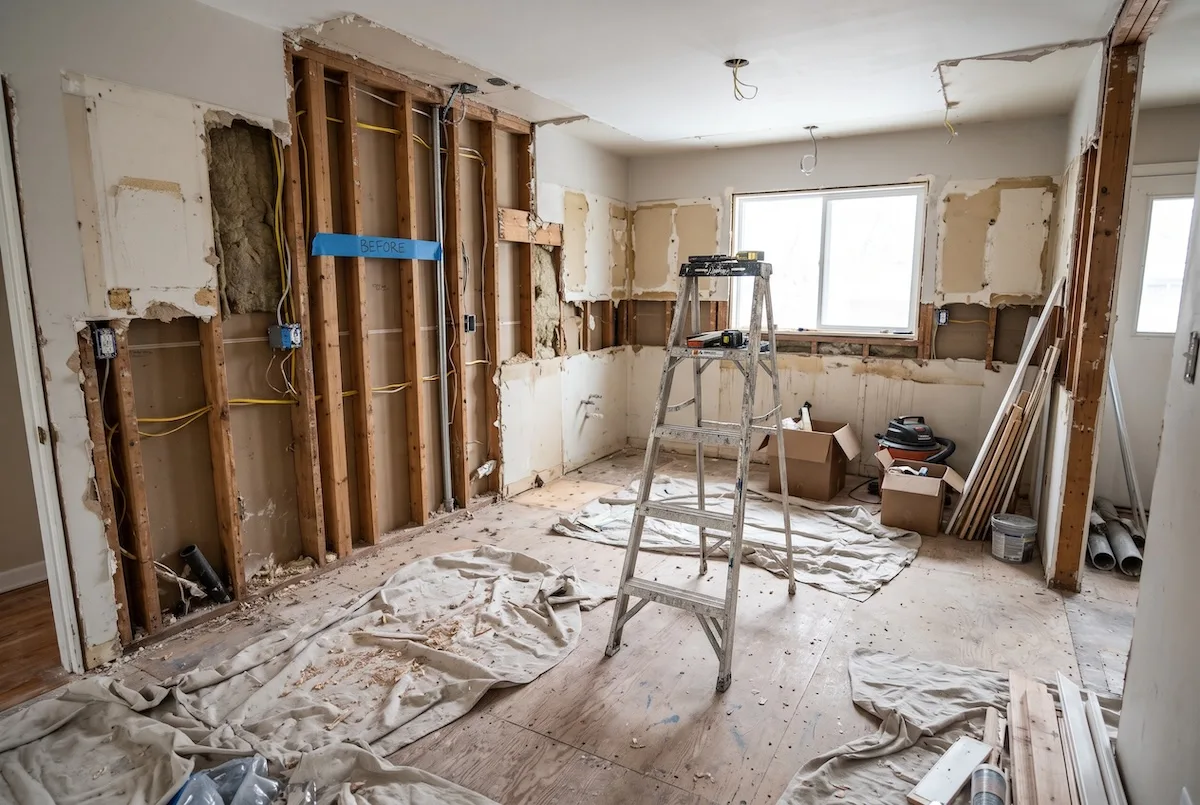
Viewers decide within the first second or two whether to keep watching or swipe. Open with the most striking visual you have. Show the finished great room first, then cut back to the bare framing. Do not open with your logo or a slow drone shot of the street.
Ad Ideas That Work for Builders
The before-and-after reveal. Start with the finished space, flash back to the original condition, and end on the finished shot again. This works especially well for remodelers.
The 20-second walkthrough. Walk through a finished custom home with a phone on a gimbal. Pause on the details that set your work apart, like custom millwork or a statement staircase.
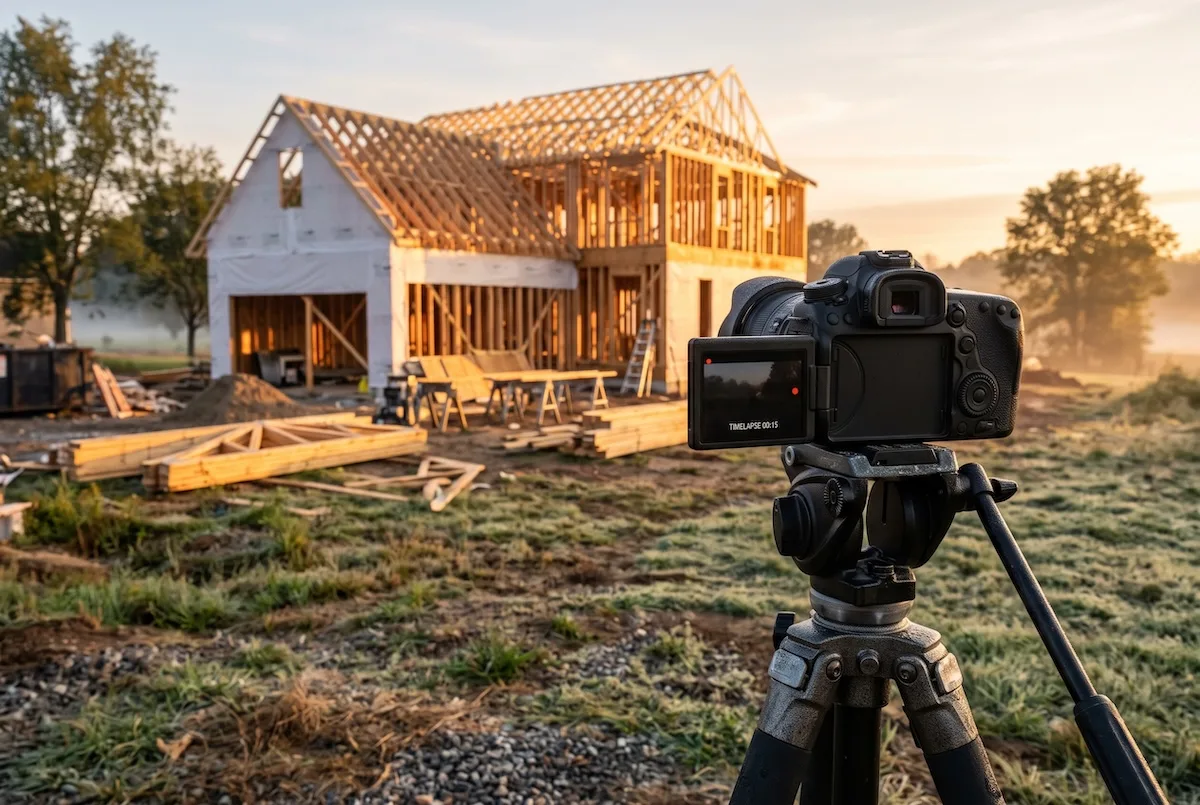
The build timelapse. Compress months of construction into 15 seconds, from slab to move-in. Homeowners love seeing the process, and it shows you finish what you start.
The owner on camera. A 25-second clip of you standing in a finished kitchen explaining one thing homeowners get wrong when planning a build. This builds trust because people see who they would be working with.
The client’s reaction. A homeowner seeing their finished home for the first time is powerful. Always get written permission before using it in ads.
Technical Specs to Follow
Film in vertical 9:16 format. Google’s guidance recommends 10 to 30 second vertical videos for action-focused campaigns like Demand Gen. Add captions, because many people watch with the sound off. Keep important text and faces away from the bottom of the frame, where the call-to-action button and captions appear.
The call-to-action button appears three seconds into the ad for Demand Gen campaigns, so make sure your offer is clear early enough for viewers to act.
How to Set Up a Shorts Ad Campaign Step by Step
Step 1: Upload Your Videos to Your YouTube Channel
Your ads need to live on a YouTube channel. Upload each vertical clip to your company channel. You can set them as unlisted if you do not want them shown publicly as organic content.
Step 2: Set Up Conversion Tracking
Before spending anything, confirm Google Ads can track form submissions and calls from your website. Without conversion tracking, Demand Gen cannot optimize for leads and will simply look for cheap views.
Step 3: Create a Demand Gen Campaign
In Google Ads, create a new campaign with the lead goal and choose Demand Gen. Set your location targeting to the area where you actually build. A realistic radius around your service area works better than a whole state.
Step 4: Choose Your Audiences
Start with audiences built from your own data, like website visitors and past client lists. Then add custom segments based on people who have searched terms like “custom home builder,” “home renovation,” or “house plans.” Google’s optimized targeting can expand from there once it has data.
Step 5: Add Several Video Variations
Upload at least three different vertical videos. Google recommends including multiple Shorts assets in a campaign so it can test which performs best. Pair each with a clear headline, such as “Planning a Custom Home in Boise?”
Step 6: Send Traffic to a Dedicated Landing Page
Do not send Shorts viewers to your homepage. Build a mobile-friendly landing page with your best project photos, a short explanation of your process, reviews, and a simple consultation form. Someone who just watched a 20-second clip on their phone should be able to request a call in under a minute.
Budget and What to Expect
Most builders should plan to spend at least $1,000 to $1,500 per month on Demand Gen to give the campaign enough data to optimize. Shorts tend to produce more top-of-funnel interest than immediate form fills. Some viewers will convert right away, but many will come back later through a branded search or a retargeting ad.
That is why Shorts works best as part of a larger system. Retarget people who watched your Shorts with Meta ads or Google Display ads, and make sure every lead gets an automatic text and email within minutes.
If you are still deciding whether YouTube deserves a place in your budget, read our breakdown of whether YouTube ads are worth it for home builders.
Common Mistakes to Avoid
Running horizontal footage in a vertical feed is the most common one. A 16:9 clip shown on a phone in the Shorts feed looks small and out of place. Re-edit for vertical, or use Google’s tool for generating vertical versions from horizontal assets.
Another mistake is running Shorts without tracking leads. If you only measure views, you will optimize for people who watch and never call.
Builders also tend to make ads too polished. Shorts viewers respond to content that feels like the rest of their feed. A clean phone video from your site often outperforms an expensive production.
How We Run YouTube Ads for Builders
Our YouTube ads service for home builders covers strategy, creative direction, campaign setup, and lead tracking. We help you plan what to film on your job sites, edit clips into vertical ads, and connect every lead to your CRM so you can see which videos bring in consultations.
Frequently Asked Questions
How do YouTube Shorts ads work?
YouTube Shorts ads are vertical videos that appear between organic Shorts in the Shorts feed. They are bought through Google Ads campaign types such as Demand Gen, Video view, Video reach, and Performance Max, and they can include a call-to-action button that links to your website.
How long should a YouTube Shorts ad be?
Google recommends 10 to 30 second vertical videos for action-focused campaigns like Demand Gen. Shorts ads can run up to 60 seconds, but shorter clips with a strong opening tend to hold attention better in the feed.
Can I run ads only on YouTube Shorts?
Yes. In Demand Gen campaigns, you can use channel controls to choose YouTube Shorts only for a vertical video. This lets you test Shorts on its own before combining it with other placements like YouTube in-feed, Discover, or Gmail.
Are YouTube Shorts ads good for home builders?
YouTube Shorts ads work well for home builders because construction projects are highly visual and homeowners watch vertical video while researching ideas. They are strongest for building awareness and filling the pipeline, especially when combined with retargeting and fast lead follow-up.
Turn Your Job Site Footage Into Leads
You already have the raw material for strong Shorts ads every time you finish a project. Book a free Growth Audit and we will show you what vertical video would cost in your market and which projects to film first.
Book Your Free Growth Audit or call (888) 778-9917.