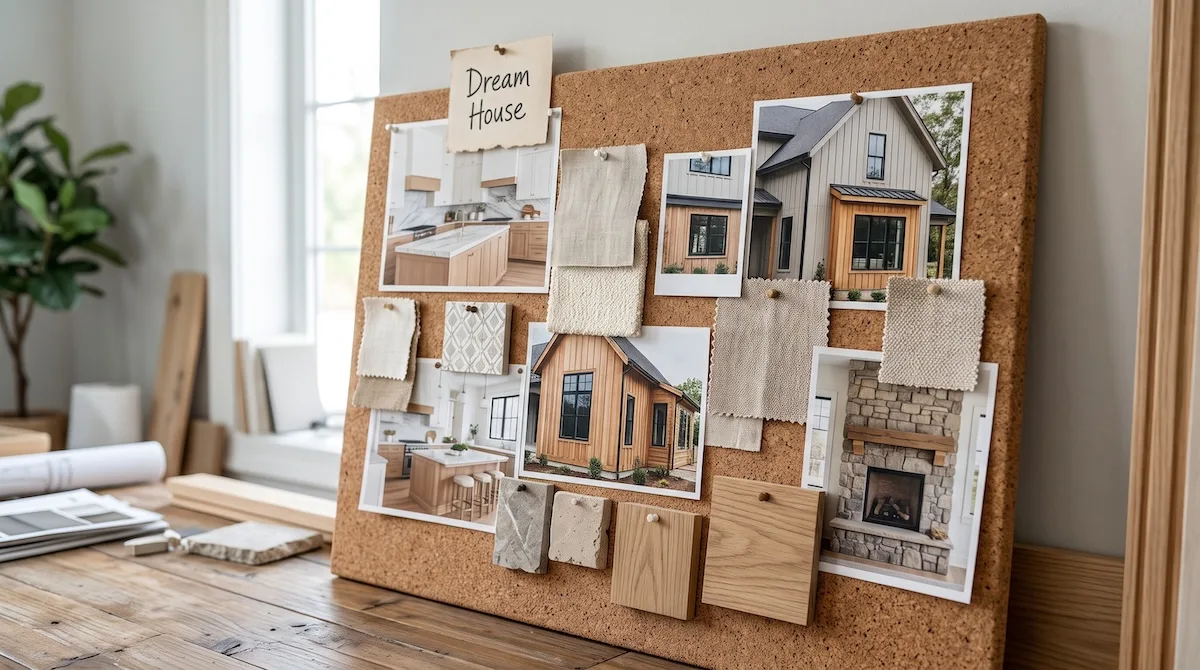

Long before a homeowner calls a builder, they start saving pictures of white oak kitchens and board and batten exteriors with black windows. On Pinterest, those saves are organized into boards with names like “Dream House” and “Lake Lot Ideas.”
Most builders already have the photos those homeowners are looking for. They just never put them where the planning happens. This guide covers Pinterest marketing for home builders and remodelers, from setting up your account to sending Pin traffic to pages that capture leads.
Why Pinterest Works for Builders
Homeowners Use It to Plan Before They Hire
Pinterest is less a social network than a visual search engine. People do not go there to follow friends. They go to search for ideas and save them for later. Home decor is the most popular category on the platform, with more than 23 billion Pins, according to Pinterest’s own newsroom data.
That planning behavior fits the long sales cycle of a custom home or major remodel. A homeowner saving your kitchen photo today may not be ready for 12 months, but your work is already on their board when they are.
The Audience Has Money to Spend
Pinterest reports that 40% of US households earning $150,000 or more use the platform. For builders targeting custom homes and high-end remodels, that is a valuable audience to be in front of.
Pins Keep Working for Months
A Facebook post disappears from feeds within a day or two. A Pin can keep showing up in Pinterest search and recommendations for months or even years. One well-written Pin of a finished kitchen can send steady traffic to your website long after you post it.
Most Builders Aren’t There Yet
Search Pinterest for a style of home in your region, and you will mostly find interior designers and home decor brands. Very few local builders show up. That gap is your opening.
Setting Up a Pinterest Business Account
Create or Convert to a Business Account
A free business account gives you access to analytics and lets you advertise later. If you already have a personal account, you can convert it, but most builders are better off creating a new one tied to a company email.
Use your real company name as the profile name. Add your service area to the profile description in plain language, such as “Custom home builder serving Bend and Central Oregon.”
Claim Your Website
Claiming your website lets Pinterest connect Pins to your domain. Your logo and name will show on any Pin that links to your site, including Pins saved by other people. Pinterest walks you through the process in the business settings, which usually involves adding a tag to your site.
Install the Pinterest Tag
The Pinterest tag tracks what people do on your website after clicking a Pin. Even if you never run ads, it shows you which Pins send visitors who fill out forms. If you do run ads later, the tag lets you retarget people who visited your portfolio.
Organizing Boards That Homeowners Search For
Boards are how Pinterest understands what your content is about. Name them the way homeowners search, not the way your company files projects internally.
Board Ideas for Home Builders
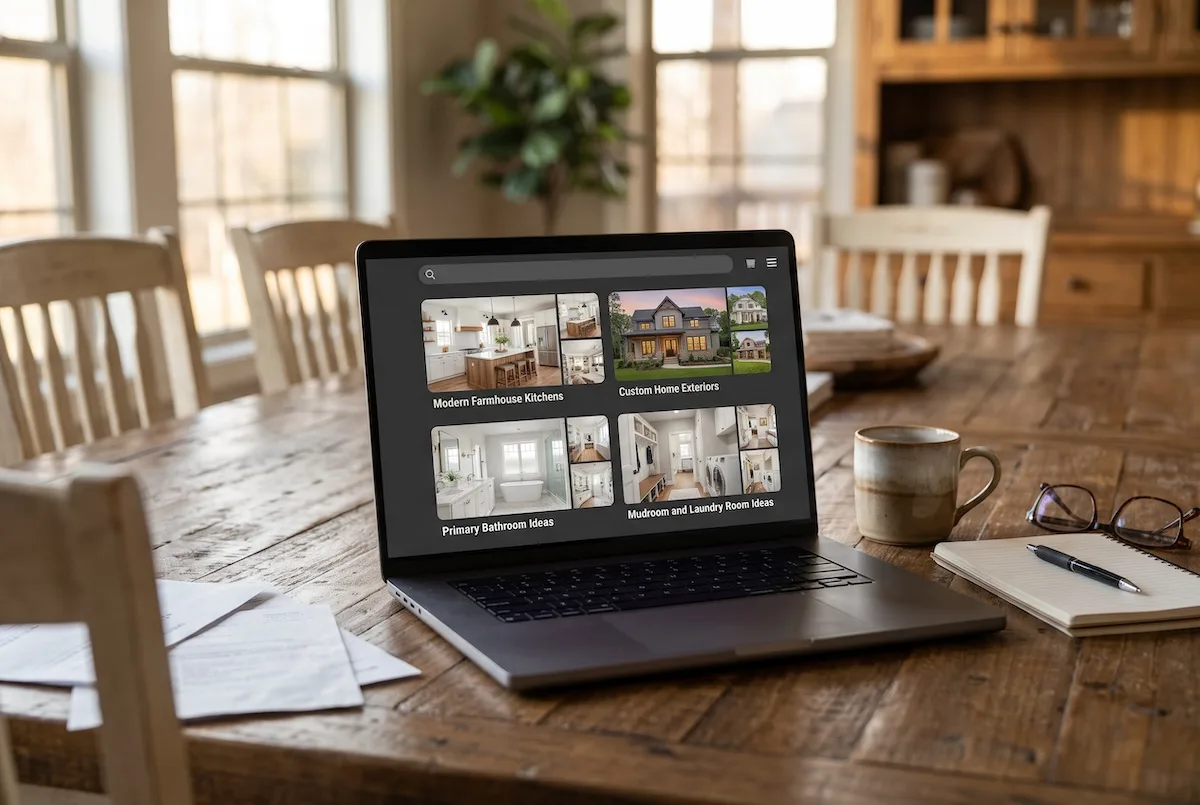
Create boards by room and by style. Examples include “Modern Farmhouse Kitchens,” “Custom Home Exteriors,” “Primary Bathroom Ideas,” “Mudroom and Laundry Room Ideas,” and “Open Concept Living Rooms.” Builders working in a specific region can also add location-based boards like “Custom Homes in Bozeman, Montana.”
Board Ideas for Remodelers
Remodelers do well with before-and-after boards, such as “Kitchen Remodel Before and After” and “Basement Finishing Ideas.” Homeowners planning a remodel search for these terms constantly, and the transformation format gets saved often.
Write Board Descriptions With Keywords
Every board has a description field. Use it. A short description like “Modern farmhouse kitchen ideas from custom homes we’ve built in the Nashville area, including white oak cabinets and large islands” helps Pinterest show the board in search.
Creating Pins That Get Saved and Clicked
Use Vertical Images
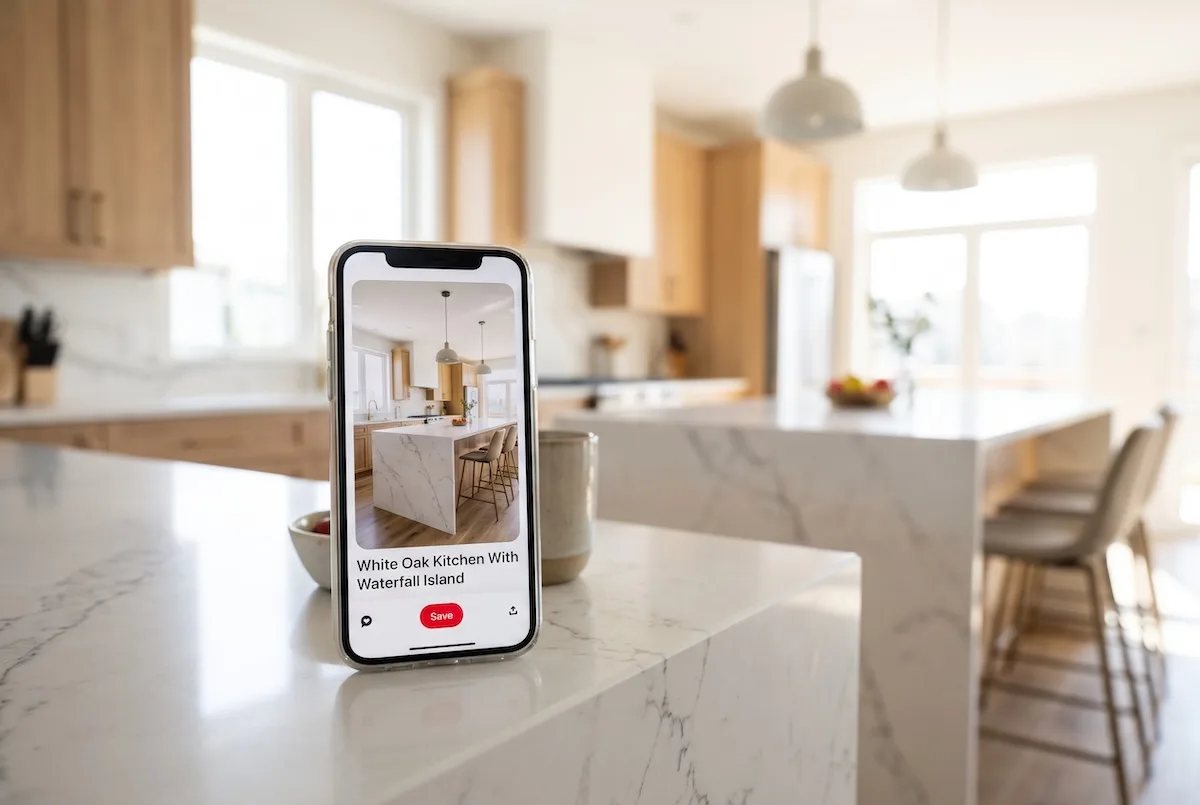
Pinterest is used mostly on phones, and vertical images take up more of the screen. A 2:3 ratio, such as 1000 by 1500 pixels, is the standard size. Horizontal project photos can work, but crop them to vertical when you can.
Show One Clear Idea Per Pin
A wide shot of an entire great room is nice, but homeowners often save details. Create separate Pins for the range hood, the built-in shelving, the staircase, and the island. Each one is a separate chance to be found in search.
Write Searchable Titles and Descriptions
Pin titles and descriptions work like page titles on Google. A title like “White Oak Kitchen With Waterfall Island” will be found far more often than “Johnson Project.” In the description, add a sentence or two with natural keywords and the location, such as “Custom kitchen in a new build outside Raleigh, NC.”
Add Text Overlays for Ideas and Guides
Some of the most saved Pins combine a photo with short text, such as “5 Mudroom Features Worth Adding to Your Custom Home.” These work well when they link to a blog post on your website.
Try Video Pins
Short vertical videos of walkthroughs or before-and-after reveals perform well on Pinterest. If you are already filming vertical clips for Instagram Reels or YouTube Shorts, upload those to Pinterest as well.
Sending Pinterest Traffic to Pages That Capture Leads
A Pin that links to your homepage wastes the visitor’s interest. Someone who clicked a kitchen photo wants to see more of that kitchen.
Link each Pin to the matching project page or portfolio gallery on your website. Each project page should include more photos of the build and a clear way to start a conversation, like a consultation form or a link to book a call.
For idea Pins and text-overlay Pins, link to a related blog post. A post about mudroom design can end with a short invitation to discuss adding one to a custom home.
Add UTM tags to your Pin links so you can see Pinterest traffic clearly in Google Analytics. Compare which boards and Pins send visitors who actually submit forms.
How Often Should Builders Pin?
Consistency matters more than volume. Pinning a few times a week every week will do more than uploading 100 Pins in one afternoon and stopping. A good starting rhythm for most builders is three to five new Pins per week, drawn from recent projects.
Every finished project can supply a month of Pins if you photograph it properly. Ask your photographer to capture both wide shots and close details in vertical format.
You can schedule Pins in advance directly in Pinterest, so a single batch session each month can keep your account active.
Measuring What Works
Pinterest Analytics shows saves and outbound clicks for every Pin. Saves tell you what homeowners find appealing. Outbound clicks tell you what drives traffic to your site.
The most important number is still leads. Use the Pinterest tag and Google Analytics together to see which Pins send visitors who fill out forms. Then create more Pins in that style and topic.
If you want more on why visual content matters across platforms, read our post on why visuals are key in home builder social media strategies.
When to Add Pinterest Ads
Organic Pinterest marketing takes a few months to build momentum. Once you know which Pins earn saves and clicks, Pinterest ads let you put those Pins in front of more homeowners in your service area right away. Ads also let you target people by location and interest, which organic Pins cannot do.
Our Pinterest ads service for home builders builds on the organic groundwork. We turn your best-performing project photos into targeted campaigns and connect every lead to your follow-up system so saves turn into consultations.
Frequently Asked Questions
Is Pinterest good for home builders?
Yes. Pinterest is one of the main places homeowners collect ideas before building or remodeling, and home decor is the platform’s most popular category. Builders who post project photos with searchable titles can reach homeowners months before they are ready to hire.
What should a builder post on Pinterest?
Post vertical photos of finished projects, close-up details like cabinetry or staircases, before-and-after remodels, and short walkthrough videos. Link each Pin to the matching project page or blog post on your website so interested homeowners can contact you.
How often should contractors post on Pinterest?
Three to five new Pins per week is a good starting point for most contractors. Consistency matters more than volume, and you can schedule Pins in advance inside Pinterest to keep your account active.
What is the difference between Pinterest marketing and Pinterest ads?
Pinterest marketing usually means organic activity, such as creating boards and Pins that show up in search for free. Pinterest ads are paid placements that let you target specific locations and interests and reach more homeowners faster.
Put Your Projects Where Homeowners Are Planning
Your finished projects are exactly what homeowners are searching for on Pinterest. Book a free Growth Audit and we will show you how Pinterest could fit into your marketing and which of your projects would make the strongest Pins.
Book Your Free Growth Audit or call (888) 778-9917.