

You open your Google Business Profile dashboard and see a red banner that says your profile has been suspended. Your listing has dropped out of the map pack, and the calls that used to come in from Google Maps have stopped.
For a builder or remodeler, a suspended Google Business Profile can cut off one of the biggest sources of local leads overnight. The good news is that most suspensions can be reversed if you fix the cause before you appeal. This guide explains why contractor profiles get suspended and the exact steps to get reinstated.
Why Google Suspends Contractor Profiles
Google rarely tells you exactly why a profile was suspended. In most cases, an automated system flagged something that looked like a guideline violation. Contractors get caught more often than most businesses because the construction category has a long history of fake listings and lead-generation spam, so Google’s filters watch it closely.
These are the triggers we see most often with builders and remodelers.
A Keyword-Stuffed Business Name
If your profile says “Smith Construction | Custom Home Builder Denver” but your legal name and signage say “Smith Construction,” that is a violation. Google requires the name on your profile to match the name you use in the real world. Adding service or city keywords is one of the fastest ways to get flagged.
Showing a Home Address as a Storefront

Most contractors work out of a home office or a yard that clients never visit. Google classifies you as a service area business in that situation, which means your address should be hidden and replaced with the cities you serve. Displaying a residential address as if customers can walk in often triggers a suspension.
Using a Virtual Office or Shared Coworking Address
Virtual offices and mailbox stores are not eligible addresses. If your profile points to a UPS Store box or a shared suite with dozens of other businesses, Google is likely to suspend it once it is reviewed.
Sudden or Large Edits
Changing your business name, address, phone number, and category within a short window can look like a profile takeover. This is common after a rebrand or a move. Even legitimate edits can trigger a review if too many happen at once.
Duplicate or Overlapping Listings
Some builders end up with two profiles, often one created by a past agency and one created by the owner. Google treats duplicates as a policy problem and may suspend one or both.
Service Areas That Are Too Large
Google advises that a service area should not extend beyond roughly two hours of driving from where your business is based. A builder in Kelowna listing service areas across the whole province can raise a flag.
Soft Suspension vs. Hard Suspension
Before you do anything, work out which type of suspension you have. The path back is different for each.
Soft Suspension
With a soft suspension, your listing usually still appears on Google Maps, but you lose the ability to manage it. You may see a message that the profile is suspended or that you no longer have access. Reviews and photos typically stay in place. This is often triggered by a single questionable edit, and the appeal tends to move faster.
Hard Suspension
With a hard suspension, your listing disappears from Google Search and Maps entirely. Your reviews are not visible to the public. This usually means Google believes the business itself may not be legitimate or may not be eligible for a profile. Hard suspensions require stronger proof and usually take longer to resolve.
A quick test is to search your business name on Google Maps while logged out. If your listing still shows, you are most likely dealing with a soft suspension.
Step-by-Step: How to Get Your Profile Reinstated
The appeal itself does not take long to submit. The work happens before you click the button.
Step 1: Stop Editing Your Profile
Many contractors panic and start changing things the moment they see the suspension. Every edit can reset the review or make the profile look less stable. Make a list of what needs to change, then make those changes carefully and only once.
Step 2: Audit the Profile Against Google’s Guidelines
Read through Google’s guidelines for representing your business and compare them line by line with your profile. Check that the business name matches your signage, license, and website. Confirm your address is hidden if customers do not visit you. Review your categories and remove any that do not describe your core work. If you are a custom home builder, your primary category should reflect that, not “General Contractor,” “Roofing,” and “Landscaping” all at once.
Step 3: Fix Every Violation Before You Appeal
Correct the name, hide the address if needed, reduce the service area, and remove duplicate listings. If you appeal while a violation is still present, the appeal will almost certainly be denied. Take screenshots of the corrected profile so you have a record.
Step 4: Gather Your Evidence
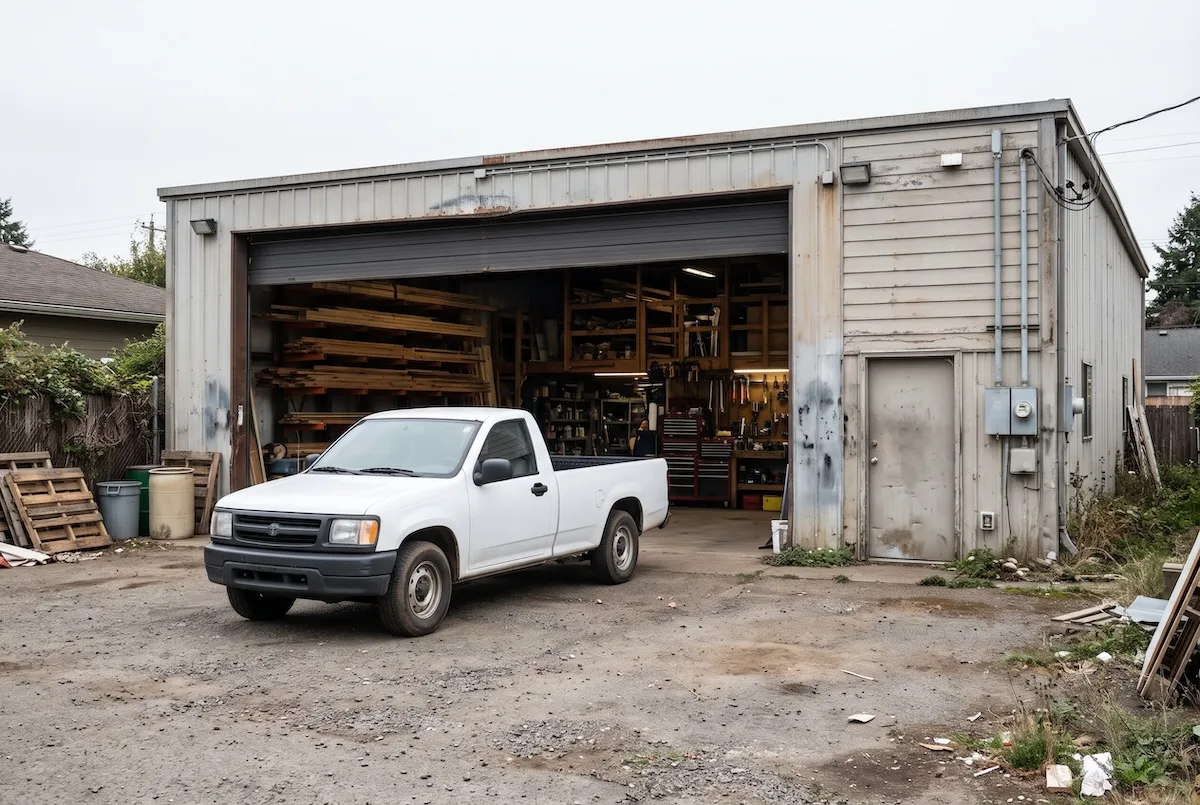
Google wants proof that your business is real and that it operates where you say it does. Prepare clear PDFs or photos of documents like these: your contractor or business license, a utility bill or lease showing the business address, your business registration or articles of incorporation, a photo of your permanent signage or branded vehicle, and a photo of your office or shop entrance if you have one.
Make sure the business name and address on every document match your profile exactly. Mismatched details are one of the most common reasons appeals fail. Some practitioners report that once you start the appeal, the evidence upload window is short, so have every file ready before you begin.
Step 5: Submit Your Appeal Through the Official Tool
Sign in to the Google account that owns the profile, open the suspended profile, and select the option to appeal. You can also find the Business Profile appeals tool through Google’s help center. Keep your written explanation short and factual. Explain how you serve customers and what you corrected. Avoid emotional language and long histories.
Step 6: Wait for the Review
Google usually responds within a few business days, though complex cases can take longer. Do not submit a second appeal while the first is under review, and do not make further edits. If the appeal is denied, you can submit additional evidence. If that is also denied, the Google Business Profile Help Community has volunteer Product Experts who can escalate legitimate cases.
What to Do While Your Profile Is Suspended
A suspension usually lasts days, not months, but you should keep leads coming in while you wait.
Lean on your website and organic rankings. If your site ranks well for searches like “home builder [your city],” homeowners can still find you even without a map listing. This is one reason builders should never rely on Google Maps alone.
Turn on paid search if you can. A short Google Ads campaign can cover the gap for high-intent searches while the appeal runs.
Reach out to past clients and referral partners. A suspension is a good reminder that relationships with realtors and past homeowners are leads Google cannot switch off.
How to Prevent Your Profile From Being Suspended Again
Once you are back online, protect the listing so this does not happen twice.
Keep your business name identical to your legal and signage name. Never add cities or services to it. Make edits one at a time and space them out, especially when you change contact details. If you move, update your website and citations first, then update Google.
Limit who has manager access. Old agencies and former employees with access can make changes you do not know about. Review your users every few months and remove anyone who no longer needs access.
Build consistent citations across directories like Bing Places, Apple Business Connect, Houzz, and the Better Business Bureau. Matching name, address, and phone details across the web make your business look more legitimate to Google’s systems.
Finally, focus your growth efforts on things Google rewards rather than shortcuts. Real project photos and steady reviews do more for your map rankings than anything a keyword-stuffed name could. Our article on the Google Maps strategy that beats local competition covers how to rank in the map pack the right way.
When to Get Professional Help
If you have already been denied once, if you have multiple locations, or if your business works from a home office with no signage, the appeal gets harder. Our local SEO service for home builders includes Google Business Profile management, cleanup of duplicate listings, citation building, and suspension recovery. We set up profiles so they follow Google’s rules from the start and keep them compliant as your business grows.
Frequently Asked Questions
Why was my Google Business Profile suspended?
Most contractor profiles are suspended by Google’s automated systems for guideline issues like keywords in the business name, a visible home address, a virtual office address, duplicate listings, or many edits made at once. Google usually does not state the exact reason, so you need to audit the profile yourself.
How long does it take to reinstate a suspended Google Business Profile?
Most appeals receive a response within a few business days. Soft suspensions are often resolved faster than hard suspensions. Complex cases, denied first appeals, or escalations through Google’s Help Community can take one to several weeks.
Will I lose my Google reviews if my profile is suspended?
Your reviews are usually hidden during a hard suspension, not deleted. When the profile is reinstated, the reviews typically return. During a soft suspension, reviews usually stay visible.
Can a contractor have a Google Business Profile without a storefront?
Yes. Contractors who visit customers rather than receiving them at an office should set up their profile as a service area business. That means hiding the street address and listing the cities or regions you serve instead.
Get Your Local Visibility Back on Track
A suspended profile costs you calls every day it stays down. If you want help diagnosing the cause, preparing a clean appeal, or setting up a profile that stays compliant, our team works only with builders and contractors and handles this regularly.
Book Your Free Growth Audit or call (888) 778-9917 to talk with our local SEO team.